
It is not possible to delete invoices in MediusGo. However, depending on where the invoice is in the workflow, there are different ways to handle it:
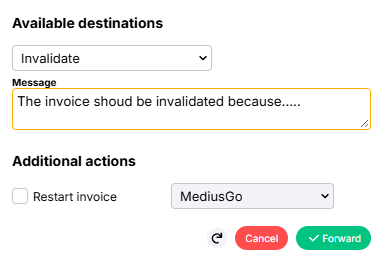
- Invalidate– the invoice has not yet entered the workflow
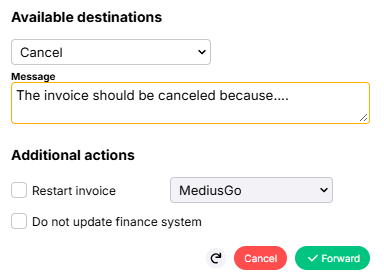
- Cancel – the invoice is already in the workflow
- Message and label – the invoice has been definitively posted
When an invoice is invalidated or canceled, it is archived in MediusGo and updated in your finance system.
Invalidate an invoice
Invalidation is used when the invoice has not yet entered the workflow and can be done in New Invoice Review or New Vendor.
|  |
Cancel an invoice
Cancellation is used when the invoice is already in the workflow. The invoice must then be sent to Invoice Exceptions Review.
|  |
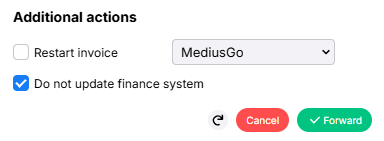
| If you receive an error message, the cancellation may need to be done in two steps: | |
|  |
Would you like to restart the invoice instead of deleting it? See the article Restart invoice.
Final posted invoices
An invoice that has been final posted is considered processed and cannot be invalidated or canceled. We recommend that you:
- Locate the invoice and write a message indicating that it has been canceled.
- Alternatively, attach a label to mark the invoice.